
Fit up to 3× the footage on the drive you already own.
The answer to rising storage prices. You can’t make drives cheaper. You can make your footage smaller.
macOS 14+ · Apple Silicon · 2 videos free
9 shoots · 485.6 GB. no room for the next one.
Your camera footage is
terribly inefficient.
Cameras compress in real time, on a battery, with one chance to get it right, so they write video built for recording fast, not storing well. Our test clips from a Sony camera were sitting at about three times the size they needed to be.
- Space the camera clips were wasting60%
- What the camera clips actually need25%
- Phone clips, mostly already efficient15%
Stupid simple.
Shockingly effective.
One run instead of
a lost weekend.
The preset is the easy part. minify also decides what’s safe to touch, checks every copy against its original, and replaces originals only when you ask.
Paranoid
by design.
Your files are too important to lose. minify never touches an original unless you turn on Replace, and every step of a replace is journaled.
Checks what it can safely re-encode
HDR, Dolby Vision, ProRes, 4:2:2 and interlaced footage can’t be re-encoded without losing something, so it’s left exactly as it is.
Re-encodes on your Mac’s media engine
HEVC at one high, fixed quality, matched to each file’s bit depth, colour, and frame timing. Audio is copied across untouched.
Checks every copy against the original
Every frame is decoded, then duration, streams, and colour are checked against the original. Copies that fail, or aren’t smaller, are deleted.
Replaces the original, if you ask it to
Each verified copy takes its original’s place: same name, same folder, same dates. There’s no undo, so it unlocks after a Keep originals run.
Survives a crash
Originals are only read while minify encodes, so a crash can’t half-write one. Resume skips finished files; the one in progress starts over.
Built for people who
delete nothing.
Near-identical quality
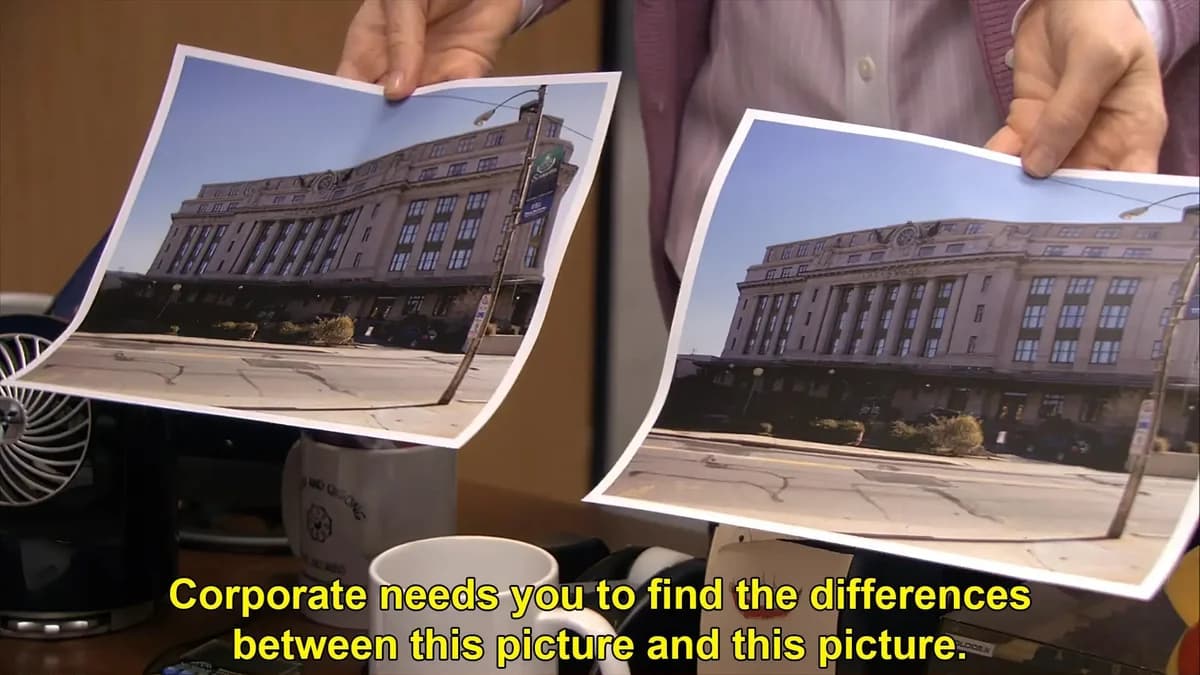
HEVC at a high, fixed quality. It's still a lossy re-encode, so Keep originals lets you compare before anything is replaced. If you can spot the difference, we want to hear about it.
Keeps what matters
File dates, Finder tags, timecode, and audio carry over. Subtitles and camera data tracks are kept where possible, and you're told about anything that isn't.
No knobs to learn
HEVC, Main10, colour tags, timecode tracks. You never have to find out what any of them mean, because minify sets them for you.
Buy once, use forever
One license, yours for life, with regular updates included. No subscription creep.
Cheaper than the drive
you were about to buy.
minify
Compare with ~$400 for a 2TB portable SSD.
- ✓Lifetime license, updates included
- ✓Unlimited videos, on any local or external drive
- ✓Runs on your Mac, not our cloud
One drive costs eight minifys. And the drive fills up again.